AI APPLIED TO CONSTRUCTION WORKYour project documents.
Outputs you can review.
See what goes into each tool, what it produces and what your team needs to review. Open an example to try the workflow.

Tender analysisMake the bid decision with evidence.
- Source material
- Tender instructions, contract conditions, specifications, pricing schedules and company references.
- What the tool prepares
- A bid review: requirements, gaps, missing evidence and clarification questions.
The bid lead approves the decision. An obligation not found in the reviewed documents is not necessarily absent.
Explore an example ↗ 
Technical proposalsCommit to the right methods and resources.
- Source material
- Evaluation criteria, delivery methods, available resources and approved references.
- What the tool prepares
- A project-specific first draft, with evidence to attach and gaps to complete.
The bid manager confirms resources, programme and commitments before submission.
Explore an example ↗ 
Document checksConnect specifications with supporting evidence.
- Source material
- Specifications, schedules, product sheets, samples and test reports.
- What the tool prepares
- A comparison of requirements and supporting evidence, with discrepancies linked to the source document and revision.
The technical reviewer examines discrepancies. A product sheet alone does not establish compliance.
Explore an example ↗ 
Industry knowledgeCapture the judgment behind the rules.
- Source material
- Expert interviews, documented decisions, examples and existing procedures.
- What the tool prepares
- Documented rules with their context, source, version and named reviewer.
The domain expert validates each rule and its limits before it enters the tools.
Explore an example ↗ 
Project meetingsRecord what was actually agreed.
- Source material
- Authorised notes or transcripts, the agenda and previous minutes.
- What the tool prepares
- Minutes separating decisions, proposals and actions, with owners and due dates.
The meeting lead confirms decisions. A suggestion is not recorded as an agreed commitment.
Explore an example ↗ 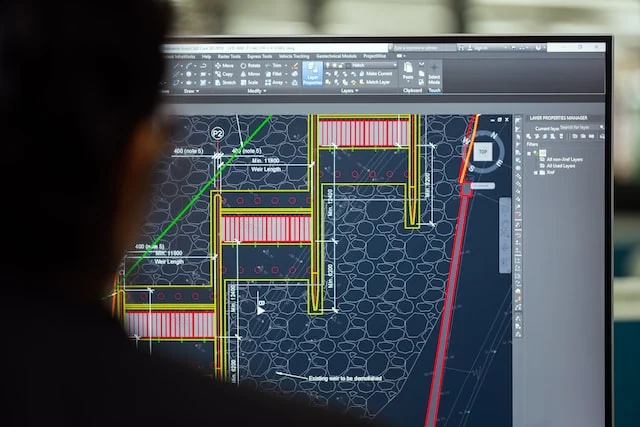
Drawings & working viewsExplore the design in a working visualisation.
- Source material
- Available drawings, levels, sections and explicit geometry assumptions.
- What the tool prepares
- A working visualisation to discuss volumes or prepare a review.
This exploratory use does not replace an approved BIM model, construction drawing or checked quantity take-off.
Explore an example ↗ Illustrative images. Interactive examples use fictional data.
THE SAME WORKSPACE, MORE WAYS TO WORKFrom the next bid
to everyday delivery.
Explore these modules in the demonstration. Your own configuration is built around your documents, rules and systems.
01Tender opportunities
Turn your search criteria into a list of tenders to review: scope, buyer, available documents and submission deadline.
Sources and update frequency are agreed during scoping.
Try the example ↗02Quotations and pricing
Your quantities, rates and rules feed a quotation you can recalculate. Missing items stay visible before approval.
Your lead reviews the price schedule and quantities.
Try the example ↗03Team timesheets
Hours are grouped by person, day and project. A summary supports review and export into your workflow.
HR rules and connections to your systems are agreed with you.
Try the example ↗04Technical specifications
Your templates, technical requirements and references support clause drafting. Performance requirements awaiting confirmation are flagged in the document.
The specification author checks requirements and interfaces between work packages.
Try the example ↗05Project correspondence
Prepare clarification requests, transmittals or reminders using the project record, chronology and your templates.
The recipient, wording and implications are reviewed before sending.
Try the example ↗06Document search
Find a requirement, decision or document in your project library, with its source and revision.
The authorised document set and access rights are defined for each team.
Try the example ↗ CLIENT WORKWorking alongside
their teams.
Bouygues Bâtiment
Habitat Résidentiel
A workspace for checking samples against specifications, preparing meeting minutes and producing selection sheets. Software development is combined with work alongside the project’s subject-matter experts.
GEXIA
Monthly expert support focused on tenders, document analysis and bid preparation for surveying services.
NEPSEN
Support for AI use in engineering: domain practices, document analysis and shared methods.
During our first conversation, we identify relevant work and what can be shown within confidentiality constraints.
YOUR FIRST USE CASEWhich process should
we start with?
In 30 minutes, identify a useful first tool, the documents needed and the people to involve.
Book 30 minutes ↗